About us
News & Publications
19th January 2026
Access Documents in Your Preferred Language with ReciteMe
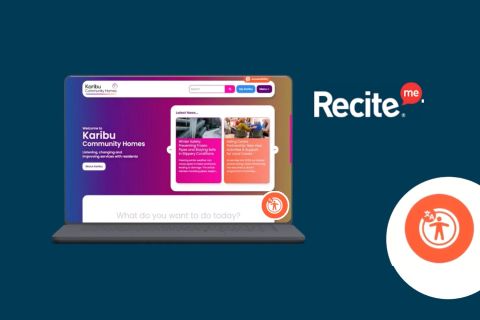
At Karibu, we’re committed to making information accessible for all our residents.
Whether you’re reading policies, Tenant Satisfaction Measures (TSMs) reports, annual reports, service standards, or any other important document, you can now use the ReciteMe toolbar to translate and customise your reading experience.
The toolbar tools include...
How to Use ReciteMe on Our Website
- Enable the Toolbar
 Click the orange button at the bottom of our website to activate the ReciteMe accessibility toolbar.
 - Choose Your Document
Navigate to the document you want to read—such as a policy or report—and click on it. The document will open in a new tab. - Use ReciteMe’s Document Reader
In the new tab, you’ll have access to ReciteMe’s powerful features, including:
 Translation in 100+ languages (covering all preferred languages across our resident base)
 Text-to-speech
 Adjustable font sizes and colours
 Reading aids and more
With ReciteMe, you can read our documents in the language and format that works best for you.
Tagged in: